Request a prompt

Prompt Seen

Trending AI Photo Prompts for Gemini and ChatGPT

Explore tested AI photo prompts for Gemini and ChatGPT, preview real results, copy your favorite prompts, and create stunning AI edits in seconds! Discover creative ideas for couples, portraits, trending styles, festivals, and special occasions. Simply copy, upload your photo, and bring your favorite ideas to life!
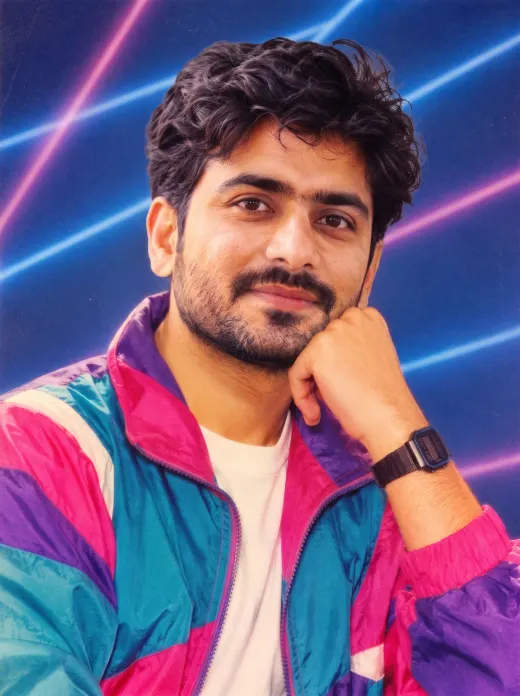
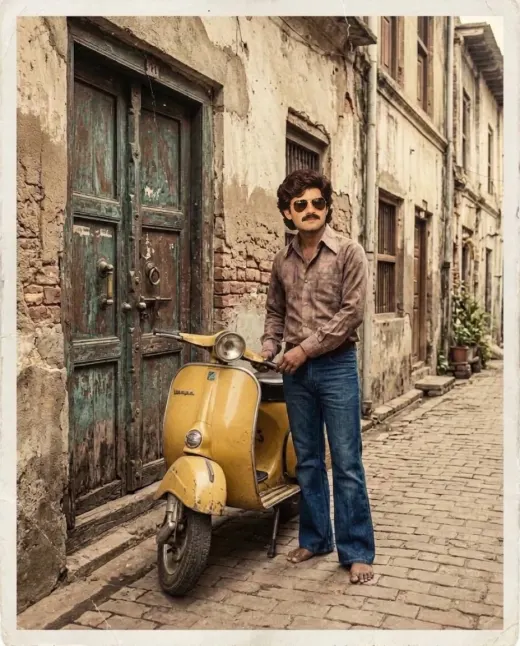
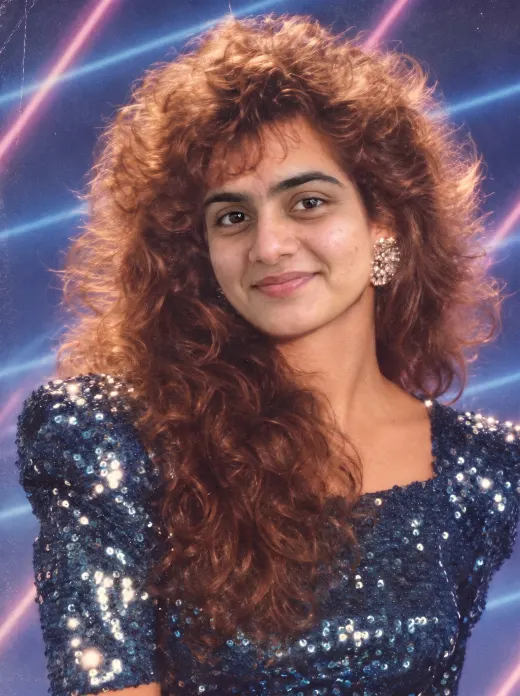
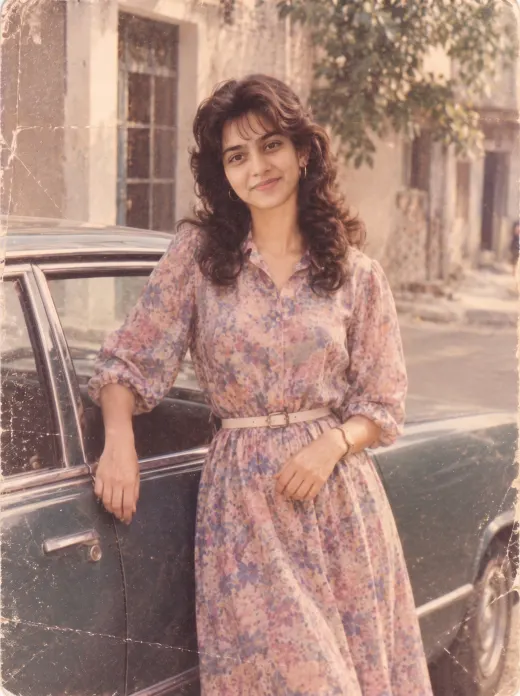
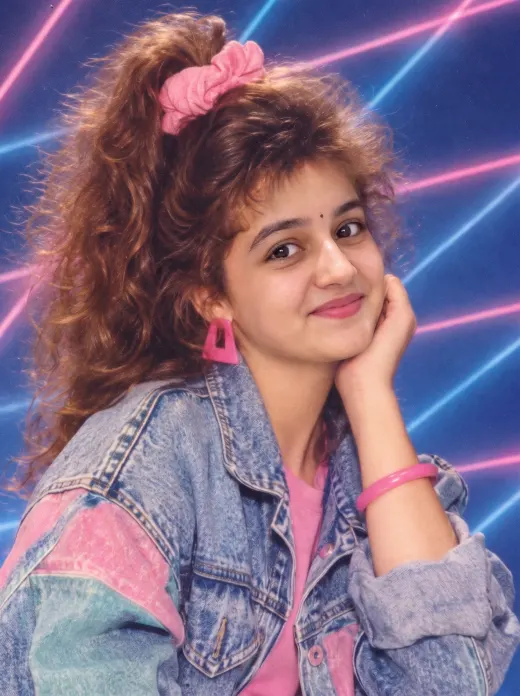
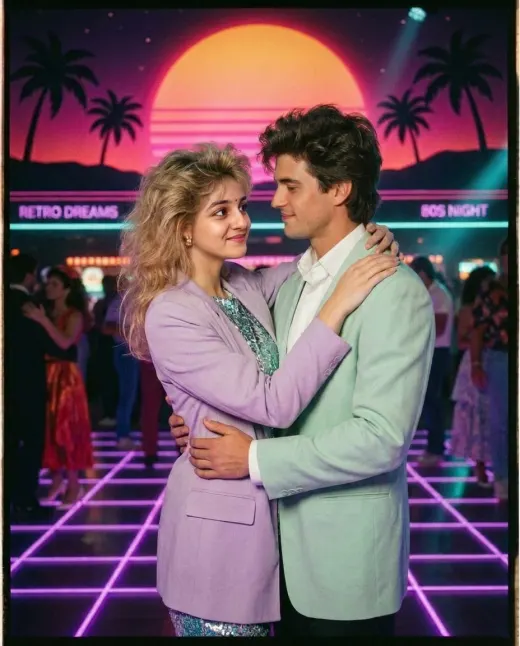
Couple Prompt AI photo result
Original photoAI result
Couple PromptUsing the uploaded photo of the two people, keep both faces exactly the same. Place them standing close together on a snowy street at night, with warm golden fairy lights hanging above them and soft snowflakes falling. Both wear cozy knitted sweaters and woolen scarves in cream and burgundy. Cinematic lighting, shallow depth of field, realistic skin texture, 4K photorealistic, vertical 9:16 frame.

Trending this week

The prompts people are copying most right now.
Fresh prompts

Added in the last few days.

View all

How it works

Works in the free versions of Gemini and ChatGPT.

  1. 1

    Pick and copy

    Find a result you like and tap copy. Change the outfit, place or size first if you want.

  2. 2

    Upload your photo

    Open Gemini or ChatGPT, upload a clear front facing photo and paste the prompt.

  3. 3

    Download and share

    Not quite right? Every prompt has variations and tips to fix the face or the size.

AI photo prompts that show you the result first

Writing a good AI photo prompt takes trial and error. A few wrong words and the face changes, the hands look strange or the light feels fake. Every prompt on this site has already been through that testing, so you can copy it and get a clean result the first time.

Tap the highlighted words in any prompt to change the outfit, colors or place, pick the size you need for a story or a post, and send it to Gemini or ChatGPT in one tap. Save the ones you like with the heart and they will be waiting for you next time.

Questions people ask

Are these AI photo prompts free?
Yes. Every prompt is free to copy and use. They also work in the free versions of Gemini and ChatGPT.
How do I use a prompt with my own photo?
Open a prompt, tap Copy & open Gemini (or ChatGPT), upload a clear photo of yourself in the app, paste the prompt and send it. The image usually appears in 10 to 30 seconds.
Why does my face look different in the result?
Use a sharp, front facing photo without filters, and turn on Extra face lock on the prompt page before copying. If the face still changes, reply to the AI with "keep my face exactly like the photo".
Do you store my photos?
No. You never upload photos to this website. Your photo goes only to the AI app you choose.
Which is better for photo edits, Gemini or ChatGPT?
Gemini is usually better at keeping faces the same. ChatGPT is strong at scenes, posters and text. Each prompt shows which app it was tested in.